If you've dipped your toes into local AI image generation, you've probably run into the "which UI?" dilemma. ComfyUI, Automatic1111 (A1111), and Forge are the three heavyweights, and they each solve the same problem in fundamentally different ways. Pick the wrong one and you'll be fighting the interface instead of creating. Pick the right one and you'll wonder why you ever struggled with anything else.
The Three Contenders
All three run Stable Diffusion models locally on your hardware. They all support the same file formats (checkpoints, LoRAs, ControlNet models). But their philosophies couldn't be more different.
Automatic1111 — The OG
The original web UI for Stable Diffusion. It's the one that put local image generation on the map. Automatic1111 gives you a clean, tabbed interface with sliders, dropdowns, and text boxes — the kind of UI you'd expect from a desktop application ported to the web.
Strengths: Huge extension ecosystem, massive community support, straightforward for beginners. If you want to generate an image with a prompt and adjustable settings, A1111 is the fastest path from zero to result. The txt2img and img2img tabs handle the most common workflows without requiring you to understand how the underlying pipeline works.
Weaknesses: It's slow. The interface is memory-hungry, and on GPUs with limited VRAM (8GB or less), you'll feel the pinch. Complex workflows require chaining multiple tabs together, and there's no visual feedback on how steps connect.
ComfyUI — The Node-Based Powerhouse
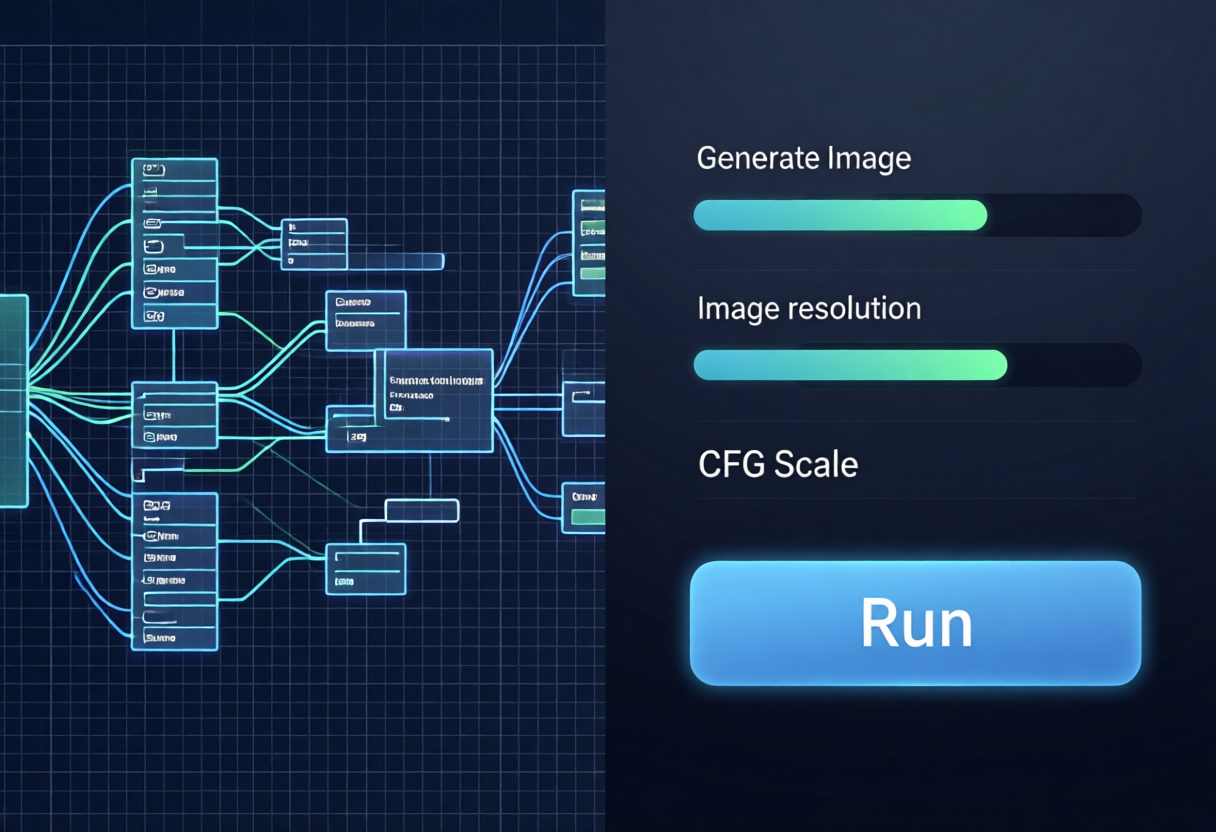
ComfyUI flipped the script entirely. Instead of tabs and sliders, it uses a node-based visual editor. You build your generation pipeline by connecting nodes — "Load Checkpoint" feeds into "CLIP Text Encode" feeds into "KSampler" feeds into "VAE Decode" feeds into "Save Image." It's a flowchart for image generation.
Strengths: Unmatched flexibility. Want to run img2img, then upscaling, then face restoration, then color correction — all in one workflow? ComfyUI lets you build it visually. The node system also makes it trivial to share complex workflows as JSON files, so the community constantly pushes the boundaries of what's possible. Performance is excellent — ComfyUI has some of the lowest memory overhead of any UI.
Weaknesses: Steep learning curve. A beginner opening ComfyUI for the first time sees a blank canvas of disconnected nodes and has no idea where to start. You need to understand the generation pipeline conceptually before you can use it effectively.
Forge — The Speed Demon
Forge is a fork of Automatic1111 that rewrites the underlying inference engine for speed. Think of it as "A1111 but faster." It keeps the same familiar tabbed interface but replaces the backend with optimized code that delivers noticeably better performance, especially on older or lower-end GPUs.
Strengths: The best of both worlds in a way — A1111's familiar interface with significantly better performance. Faster generation, lower memory usage, better support for older architectures. If you love the A1111 workflow but wish it ran faster, Forge is your answer.
Weaknesses: Smaller community than A1111 or ComfyUI. Extension compatibility isn't always guaranteed since it's a fork. The feature set lags slightly behind the other two in some areas.
Head-to-Head Comparison
| Criteria | Automatic1111 | ComfyUI | Forge |
|---|---|---|---|
| Learning Curve | Easy | Steep | Easy |
| Performance | Decent | Excellent | Very Good |
| Workflow Complexity | Simple workflows | Arbitrary complexity | Simple workflows |
| Extension Ecosystem | Huge | Large (growing) | Medium |
| VRAM Usage | High | Low | Medium |
| Best For | Beginners / casual use | Advanced users / power users | Older hardware / speed focus |
Which One Should You Choose?
It really comes down to who you are and what you're building:
- You're new to local image gen → Start with Automatic1111 or Forge. The tabbed interface will feel familiar, and you'll be generating images before you even know what a "latent space" is. Use Forge if your hardware is older or has limited VRAM.
- You want to push the boundaries of what's possible → Go with ComfyUI. Once you learn the node system, you can build workflows that no other UI can match — chained upscaling, multi-stage inpainting, custom post-processing pipelines, you name it.
- You want A1111's simplicity but faster → Forge. It's literally A1111 with better performance baked in.
- You're building automated workflows or pipelines → ComfyUI's workflow JSON format makes it trivial to save, share, and automate complex generation pipelines.
The Honest Take
Here's what I'll say: I tried all three before settling into ComfyUI, and I don't regret the journey. A1111 was my entry point — it's the friendly face of local image gen. But once I graduated to ComfyUI, I couldn't go back. The ability to see your entire generation pipeline as a visual graph changed how I think about image generation.
But Forge has its own place. If you have a 1060 or a 3060 with 6GB of VRAM and A1111 is choking on it, Forge will give you a second life for that hardware. Don't underestimate the value of "it just runs."
Bottom Line
There's no single winner. There's the right tool for your specific situation. A1111 is the welcoming entrance. Forge is the turbocharged upgrade. ComfyUI is the sandbox where you can build anything you can imagine. You don't have to pick forever — many people run two or all three, depending on what they're working on that day.
Start where you are. Upgrade when you're ready.