
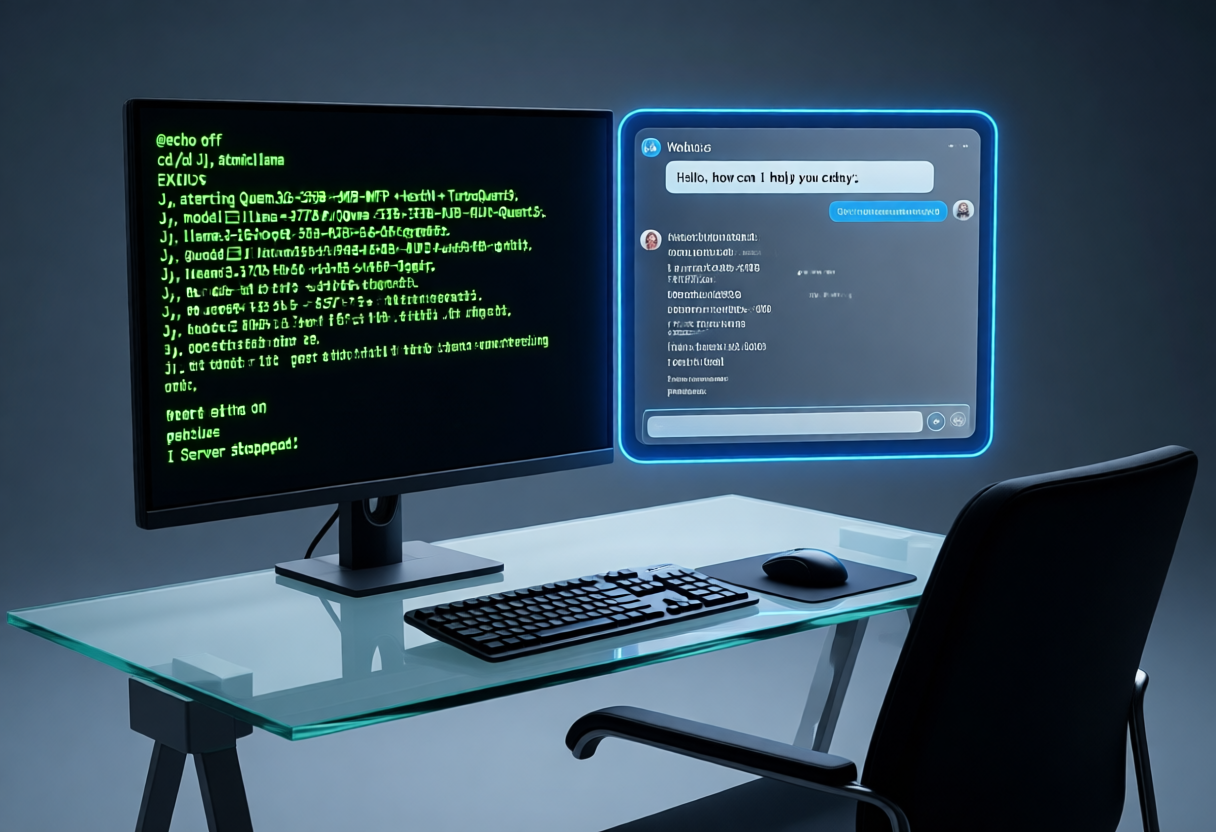
You've heard about running AI models locally. You've probably tried something, hit a wall of dependencies, and given up. What if I told you the absolute simplest path takes five minutes, requires no Python installations, no Docker containers, no extra frameworks — just a single binary and a web browser? This is how you go from zero to talking to a local LLM in under five minutes.
The Setup: Three Steps, No Excuses
The beauty of llama.cpp is that it ships with everything you need built in. The llama-server binary handles the HTTP API, serves a web-based chat UI, and talks to your model — all in one process. Here's exactly what you do:
Step 1: Download the Binary
Head to the llama.cpp releases page and grab the pre-built binary for your platform. If you have an NVIDIA GPU, grab the CUDA build. On Apple Silicon, the Metal build is your friend. On Windows, the pre-compiled Windows binaries work out of the box.
Extract the archive and you'll find a build/bin directory with llama-server, llama-cli, and a few other tools. That's your entire toolkit for this post.
Step 2: Get a Model
Go to HuggingFace and search for "GGUF." You'll find thousands of pre-quantized models ready to run. For a first-timer, I recommend starting with something small:
- Qwen 2.5 7B — great all-rounder, fits on virtually any GPU
- Hermes 3 8B — excellent instruction following, fun to chat with
- Gemma 2 9B — solid performance even on modest hardware
Download any quantized version (Q4_K_M is the sweet spot for most people). A Q4 quant of a 7B model is roughly 4-5 GB — nothing exotic.
Step 3: Start the Server
Open a terminal in the directory where your model lives and run this single command:
./llama-server \
  --model Qwen2.5-7B-Instruct-Q4_K_M.gguf \
  -ngl 99 \
  -t 8 \
  -c 4096
That's it. The server starts, loads the model, and is ready to accept connections. The flags mean: offload all layers to GPU (-ngl 99), use 8 CPU threads for non-GPU work (-t 8), and give the model a 4096-token context window (-c 4096).
The Magic: Built-in Web Chat
Here's the part most people don't know about llama.cpp: it ships with a built-in web chat UI. Open your browser and navigate to http://localhost:8080.
You'll see a clean, OpenAI-style chat interface. Type a message, hit send, and watch the model respond token by token. No API keys, no framework setup, no environment variables — it just works.
The webchat supports:
- Streaming responses (watch the text appear in real time)
- Chat history with conversation context
- Stop sequences to halt generation
- System prompt editing (tap the settings gear icon)
- Temperature and top-p controls for tuning creativity
If you're on the same network as your server, you can even access the chat from your phone or another computer by navigating to http://YOUR_SERVER_IP:8080.
What You Can Do With This
This isn't just a novelty — it's a genuinely useful setup:
- Quick prototyping — Want to test a prompt before building it into an app? Fire up the server, tweak the system prompt, iterate fast.
- Learning and experimentation — See how different models respond to the same prompt. Compare behavior across quantization levels. Test edge cases without worrying about API costs.
- Privacy-first conversations — Everything runs on your machine. No data leaves your computer. Your notes, your code, your ideas stay yours.
- Offline capability — No internet required once the model is downloaded. Perfect for travel, flights, or just disconnecting.
Going Further
This is the absolute minimum viable setup. Once you're comfortable, the path branches in interesting directions:
- Add MTP and TurboQuant by switching to the AtomicBot-ai fork of llama.cpp for faster generation and longer contexts.
- Connect the server to Open WebUI or SillyTavern for richer interfaces and plugin ecosystems.
- Use it as the backend for an agent framework like OpenClaw — the server exposes an OpenAI-compatible API that agent frameworks can talk to.
- Try running different models and compare them side by side.
The beauty of starting here is that you're not locked into anything. The server is the foundation. Everything else is built on top of it.
Bottom Line
You don't need a complex stack to run a local model. You don't need Docker, Python, or any of the usual setup overhead. Download the binary, grab a GGUF, start the server, and open your browser. Five minutes from zero to chat.
The rest of the ecosystem — agent frameworks, image generation, multi-model orchestration — all builds on top of this simple foundation. And now you've got the foundation running.