
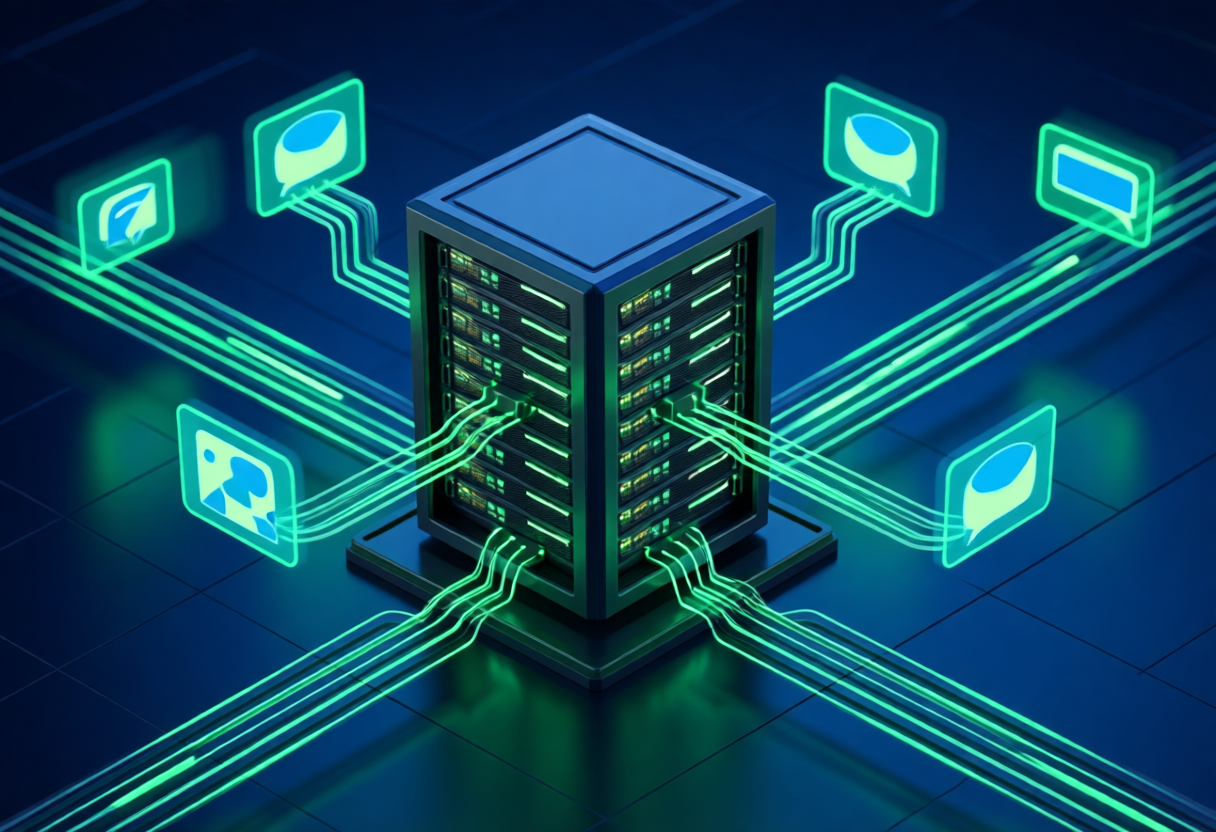
You've got a model running locally. That's step one. But a model sitting in a terminal isn't an agent — it's a chatbot waiting for someone to type into it. An agent is different. It thinks, plans, uses tools, and takes action. The bridge between "I have a running model" and "I have a capable agent" is simpler than you might think, thanks to Ollama's API layer and frameworks like OpenClaw. Let me walk you through the whole thing.
Step 1: Get Ollama Running
Ollama is the easiest way to get a local LLM server up and running. The installation is a single command:
curl -fsSL https://ollama.com/install.sh | shThat's it. On Windows or macOS, there's a simple installer from ollama.com. Once installed, you can pull any model with a single command:
ollama pull qwen2.5:7bOllama downloads the model, stores it locally, and starts serving it on http://localhost:11434. By default, it exposes an OpenAI-compatible API at /api/chat, which means any framework that supports the OpenAI API spec can talk to it — including OpenClaw.
You can test it instantly:
ollama run qwen2.5:7b
> Hello, tell me a joke.
The model responds. You're done. You now have a local LLM server that any OpenAI-compatible client can use.
Step 2: Connecting to OpenClaw
OpenClaw is a personal AI agent framework that connects messaging platforms (Telegram, WhatsApp, Discord, Slack) to AI models through a centralized gateway. It uses Ollama's local API as its model provider, keeping everything on your machine.
The integration is straightforward. In your OpenClaw configuration, you point it at your Ollama server:
# OpenClaw config — point at local Ollama
default_model: ollama/qwen2.5:7b

# Or for a different model:
default_model: ollama/llama3.1:8b
That's literally the config change. OpenClaw detects that the model string starts with ollama/, routes the request to http://localhost:11434, and everything else works as normal — but now your agent is powered by a local model with zero API costs.
You can also run OpenClaw in a mixed mode — use Ollama for the base model and a cloud API for more demanding tasks. But the point of running Ollama locally is privacy and control, so most people go all-in on local.
Step 3: Your Agent Actually Does Things
Here's where it gets interesting. OpenClaw isn't just a chat interface — it's an agent framework. With a local model as the brain, your agent can:
- Receive messages from Telegram, WhatsApp, Discord, Slack, or webchat and respond intelligently
- Execute commands on your machine (with your approval, of course)
- Run background tasks via cron jobs and scheduled actions
- Access your files and read your workspace
- Use tools like web search, file editing, sub-agent spawning, and more
- Maintain memory across sessions through file-based memory systems
The local model is the reasoning engine. Everything else is the agent framework building on top of it. Because Ollama exposes a standard API, OpenClaw doesn't need to know it's talking to a local model — it just sends API calls and gets responses back.
Why Ollama + OpenClaw Works So Well Together
There's a reason this combination is so popular in the local AI community:
- Ollama handles the model lifecycle — downloading, caching, updating models. You never have to worry about GGUF files or quantization yourself.
- OpenClaw handles the agent layer — tool use, memory, scheduling, multi-platform messaging. It's the nervous system.
- They talk via standard API — no custom protocol, no vendor lock-in. Any OpenAI-compatible framework could replace either piece.
- Zero ongoing costs — once you've downloaded the models, everything runs on your hardware with no per-token billing.
Choosing the Right Model
Not all models are created equal for agent work. For an agent framework, you want a model that's good at:
- Following instructions — the agent needs to reliably execute tool calls, follow system prompts, and maintain behavior constraints
- Reasoning — planning multi-step tasks, breaking down complex requests
- Code generation — many agent tasks involve writing, editing, or executing code
- Long context — the agent needs to remember recent interactions and maintain context
Good choices for agent work:
- Qwen 2.5 7B/14B — excellent instruction following, great value for the size
- Llama 3.1 8B — solid all-rounder, well-supported by Ollama
- Gemma 2 9B — surprisingly capable for its size, good reasoning
- Mixtral 8x7B — if you have the hardware, the MoE architecture is powerful
- Command R+ — built for RAG and tool use, specifically designed for agent workflows
Going Deeper
Once your agent is running, there's a whole world of customization:
- Custom system prompts — shape your agent's personality and behavior
- Tool definitions — teach your agent new capabilities by defining custom tools
- Memory systems — persistent memory files let your agent remember across sessions
- Multi-agent setups — spawn sub-agents for different tasks, each with its own model and prompt
- Automated workflows — cron jobs, scheduled checks, and proactive notifications
The Ollama + OpenClaw combo gives you the foundation. Everything else is built on top of it.
Bottom Line
The gap between "running a model" and "running an agent" isn't as big as it seems. Ollama handles the model server with a one-command install. OpenClaw connects it to messaging platforms, tools, and scheduling. Between them, you've got a fully functional personal AI agent that runs entirely on your hardware, costs nothing to run, and keeps all your data private.
You don't need cloud APIs. You don't need enterprise infrastructure. You need an Ollama server, a framework like OpenClaw, and a model that fits your hardware. That's it.